
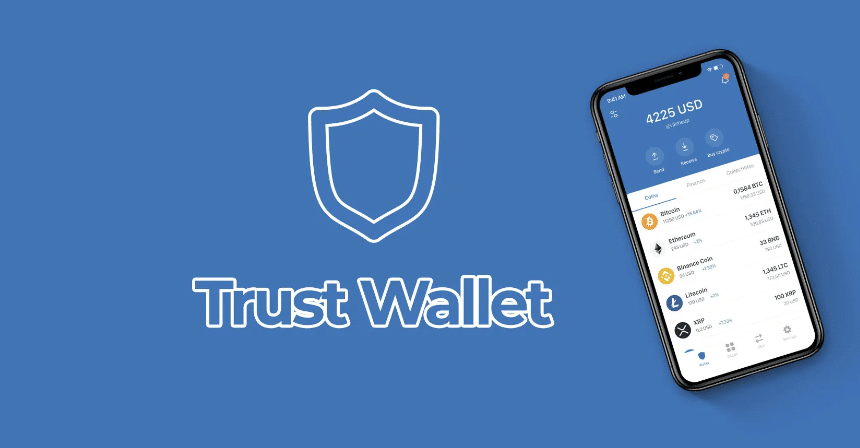

Navigating the world of cryptocurrency sales is no simple task. Yet, with Trust Wallet, selling Solana becomes straightforward. In this article, we will guide you through the process.
We will explore Trust Wallet’s ease of use, security features, and outline the steps for setting up your wallet and successfully selling Solana. Our insights will assist you in making informed decisions with confidence.
Exploring Trust Wallet’s Capabilities
Trust Wallet stands out for its versatility, supporting a vast array of cryptocurrencies, including Solana. Users appreciate the Decentralized Exchange (DEX) feature, which permits direct trading from the wallet without needing centralised exchanges. This capability is greatly enhanced by its commitment to security, with private keys stored locally.
Setting Up Your Trust Wallet
Before selling Solana, Trust Wallet must be properly set up on your mobile device.
Downloading Trust Wallet: Begin by accessing Google Play Store or Apple App Store. Search for Trust Wallet and proceed to download and install the application.
Creating a Wallet: Launch the Trust Wallet app and create a new wallet by following on-screen prompts. Securely save your recovery phrase, crucial for wallet recovery.
Adding Solana to Your Wallet: Ensure Solana is available in your Trust Wallet. Tap the “+” icon to add coins, search for Solana, and enable it to be added to your wallet.
Selling Solana via Trust Wallet
Once Solana is in your Trust Wallet, begin the selling process. This includes selecting Solana from your wallet, then opting to sell.
Choose your preferred payment method, such as a bank transfer or PayPal, before entering the desired Solana quantity for sale. Verify all transaction details carefully before proceeding. Note potential gas fees that may apply and finalise by confirming the transaction. Then, allow the transaction to process.
Transaction Timeframes and Monitoring
Most transactions are processed quickly, although speed can vary with network traffic.
It is advised to monitor your wallet for updated transaction statuses after sales.
Troubleshooting Common Issues
Consider the following resolution tips if issues arise during Solana sales:
Insufficient Funds for Fees: Verify that you have enough Solana to cover gas fees.
Network Issues: Recognise that high network traffic can delay transactions.
Updating Trust Wallet: Ensure Trust Wallet is updated for optimal performance.
Alternative Methods for Selling Solana
Selling via Trust Wallet is direct but not the only option available. Centralised Exchanges: Transfer Solana to exchanges like Coinbase or Binance and adhere to their procedures for cashing out.
Conduct Peer-to-Peer Transactions: Suitable platforms include LocalBitcoins, where terms and prices can be arranged with buyers.
Preparing to Sell Solana
Consider these aspects before initiating a sale:
Monitor Market Trends: Observing Solana’s price movements aids in identifying optimal selling times.
Setting Alerts: Enable price alerts for when Solana reaches desired selling points.
Safety Precautions: Engage two-factor authentication and avoid unprotected networks during transactions.
Understanding and Calculating Fees
Awareness of related fees is vital when selling Solana. Gas fees cater to blockchain transaction processing, while exchange fees apply in trading scenarios.
Evaluating Fee Structures: Different platforms vary in fee structures. Reviewing and using online tools to estimate potential expenses can be insightful.
Selling Solana using Trust Wallet is a practical approach to converting crypto into cash or other resources. Navigate transactions effectively with our guide on hand.

